
More and more PHP developers finding the way using containers in their dev and test workflow. It was about time to write a small piece how to deploy a PHP application on Cloud 66 for Docker.
For this blog post I'm going to focus on a Laravel based PHP applications and the composer package manager.
Let's assume you have beautifully crafted Laravel app on your local box. The first step is to containerize this puppy. You can download my example from github
Dockerfile
The first step is to create a Dockerfile in your root folder. For this example, we are using the php-apache base image. It's a good start to deploy your LAMP stack. You can check docker hub for all the versions and variants.
With no further ado, here's the Dockerfile. Please read the comments what is going on in each step.
NOTE
We didn't explicitly specify the CMD to tell Docker how to run our container. But the base-image (FROM php:7.1.5-apache) has the command to run Apache in the foreground, we simply inherit the command.
Of course, you want to test your containerized application on your local machine. The best way to start your composition of your PHP application together with your backend services (like MySQL, RabbitMQ and so on) it to use docker-compose.
Docker-Compose
Check the docker-compose.yml we are using:
First, we need to build the image of the container.
docker-compose build
After the building is done we can start our service(s) composition, using the up command:
docker-compose up
But if we hit localhost:4000 we get an error? Make sure you add an .env file to your codebase with the related values. Here's an example:
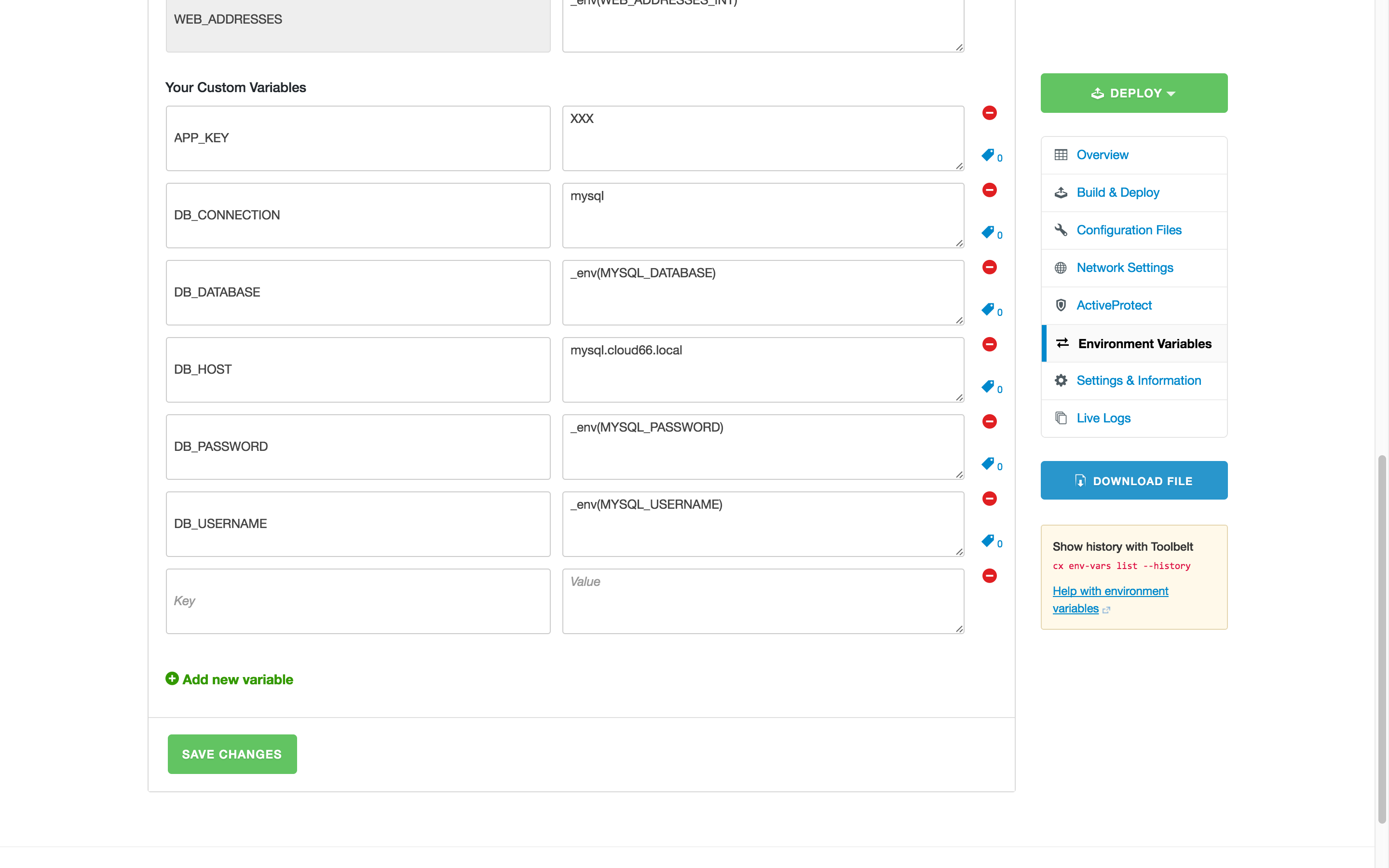
Look closely at the DB settings. The DB_HOST=mysql is using the DNS name mysql which translate to the IP address of the running MySQL container, this is called DNS based service discovery.
The other settings are related to the settings in the docker-compose.yml. Of course you can add the environment variables directly to the docker-compose.yml.
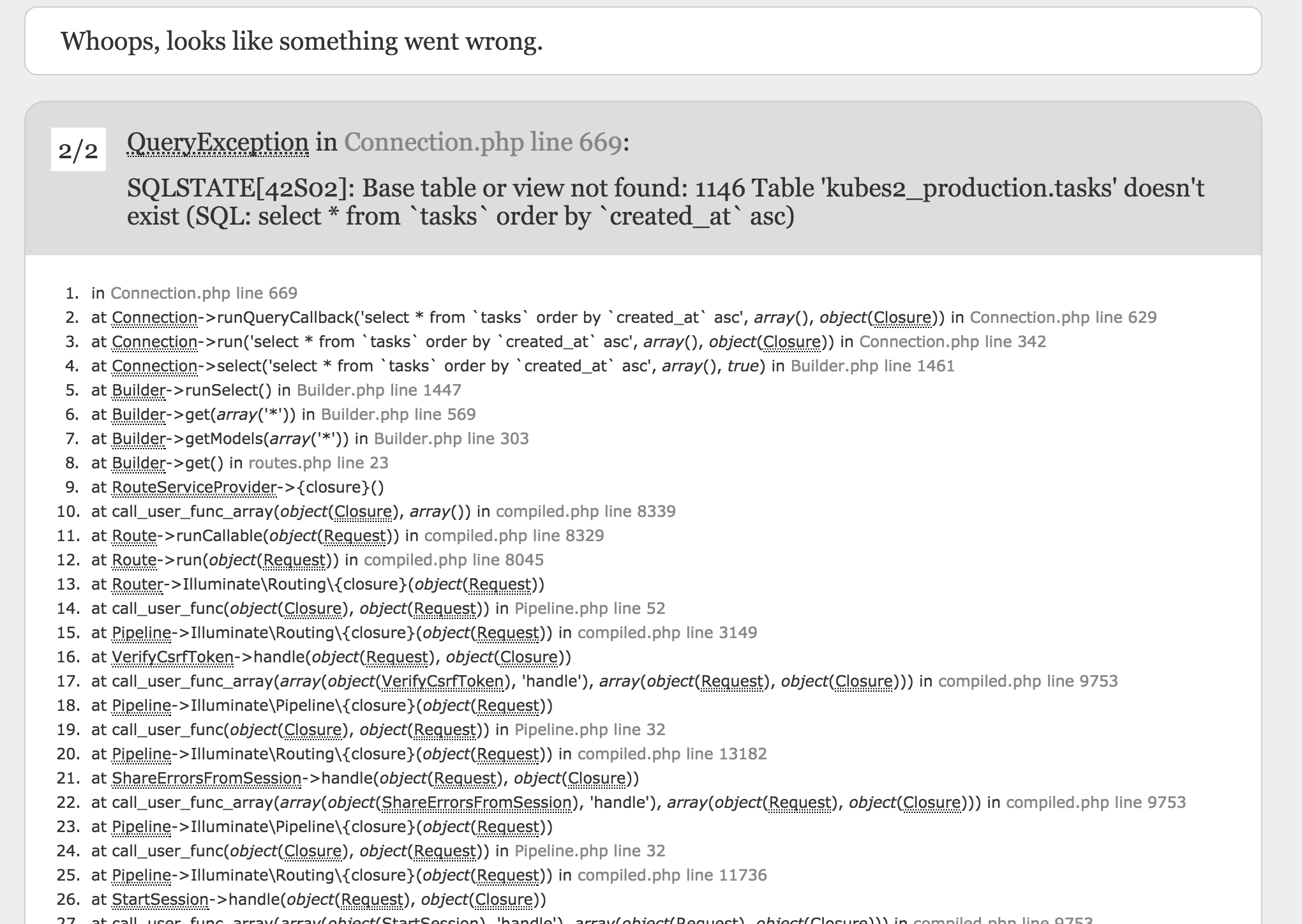
But still we get an error? Our DB tables can't be found. We need to run our migrations. You can run migrations with the following command:
docker-compose run laravel php artisan migrate
Hit the endpoint (localhost:4000) again and you containerized your application!
Time to bring it to production! Yeah.
Running in production using Cloud 66
Make sure you committed the Dockerfile in your root folder of your git repo. Create a new Cloud 66 account and create a new Cloud 66 for Docker stack.
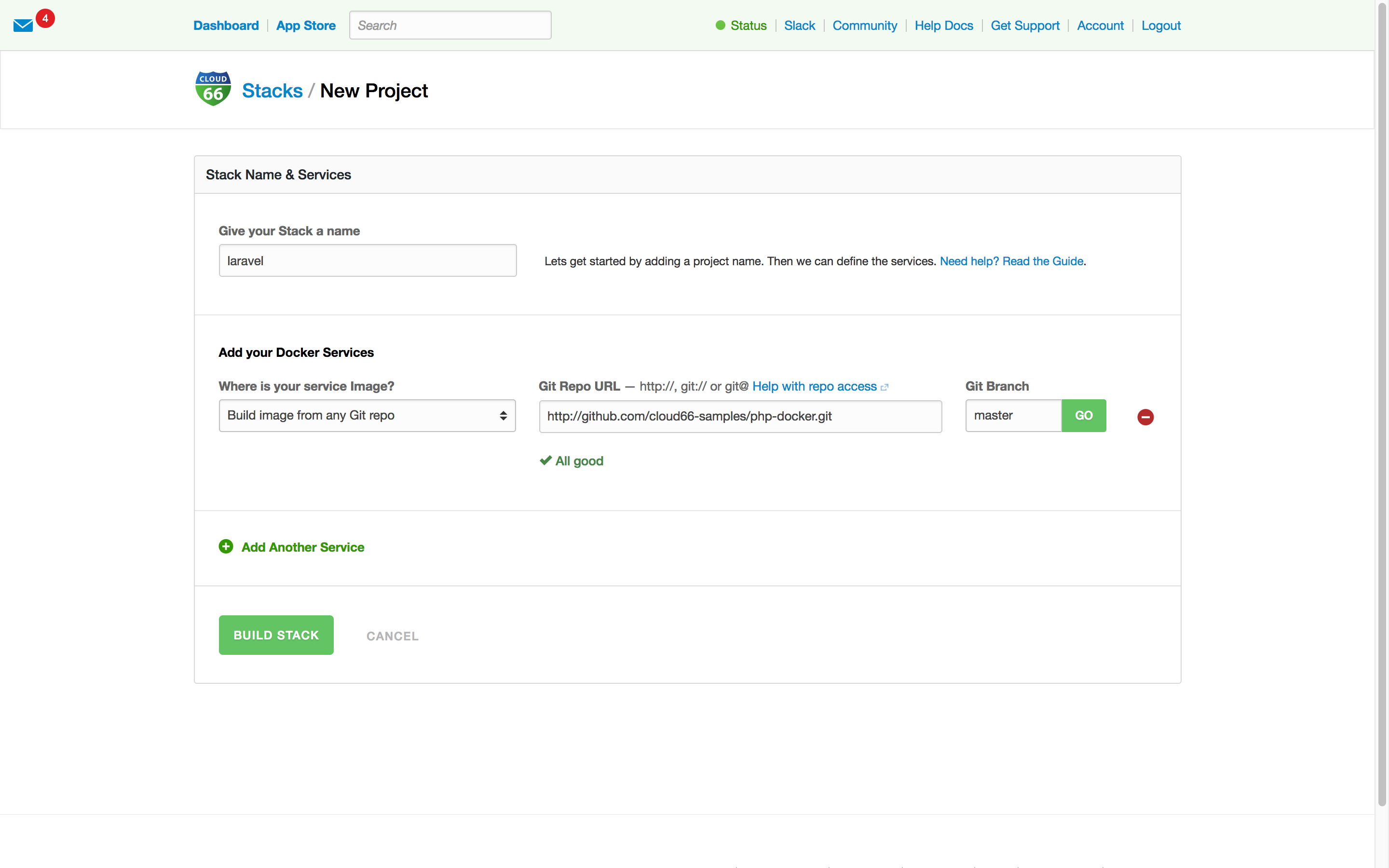
We give our stack a name (Laravel) and pop in our git repo. If you hit GO we analyse your codebase and make sure your Dockerfile is good to go.
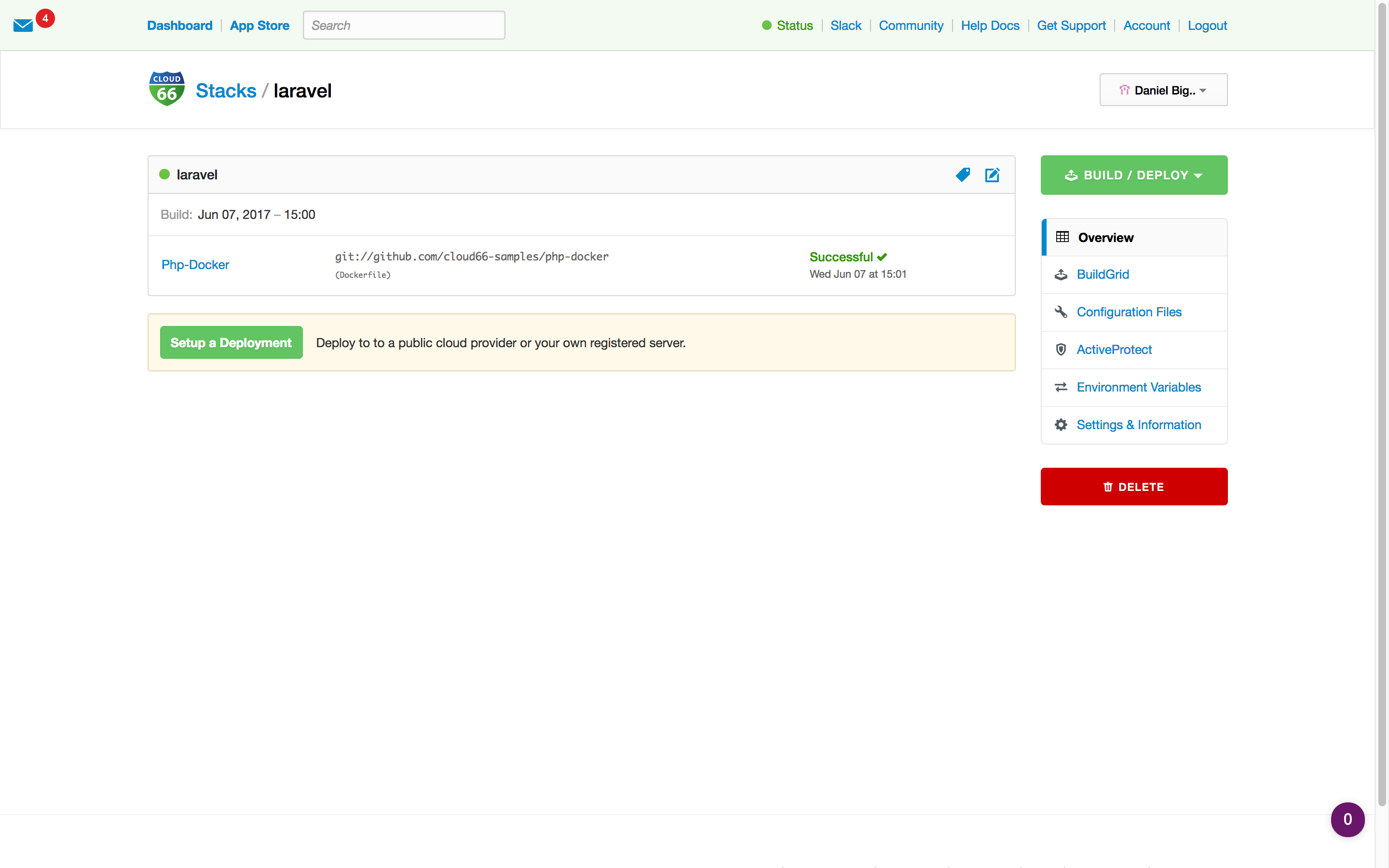
The next step is to build the image ready for deployment. This is part of our CI solution. You don't need to build and push your own images!
Time to tell Cloud 66 how to deploy your Laravel service and what kind of backend we want to provision. Good to know we run your backend services, not in containers but natively, giving you all the cool feature of our platform like backup/restore and scaling of the DB's.
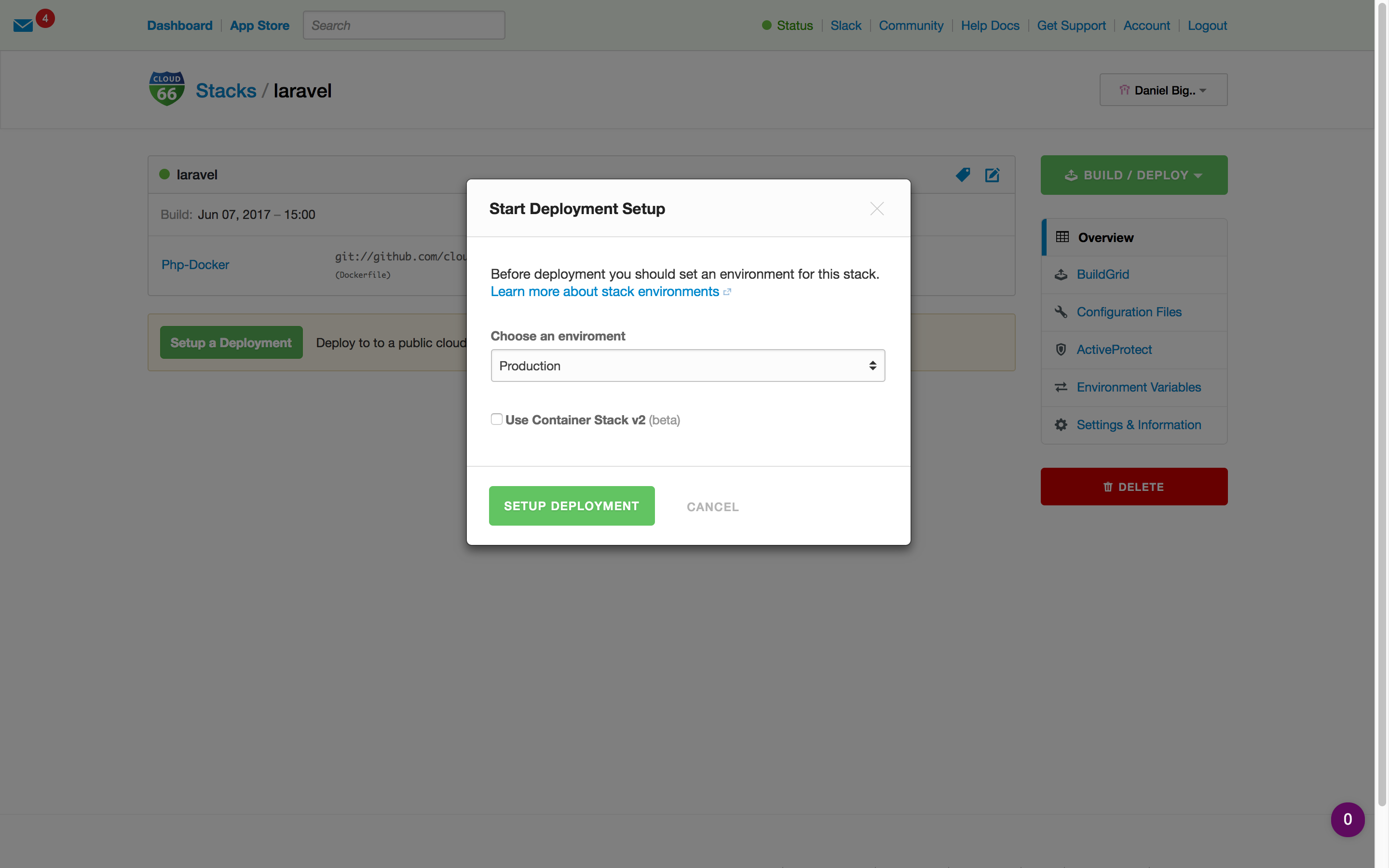
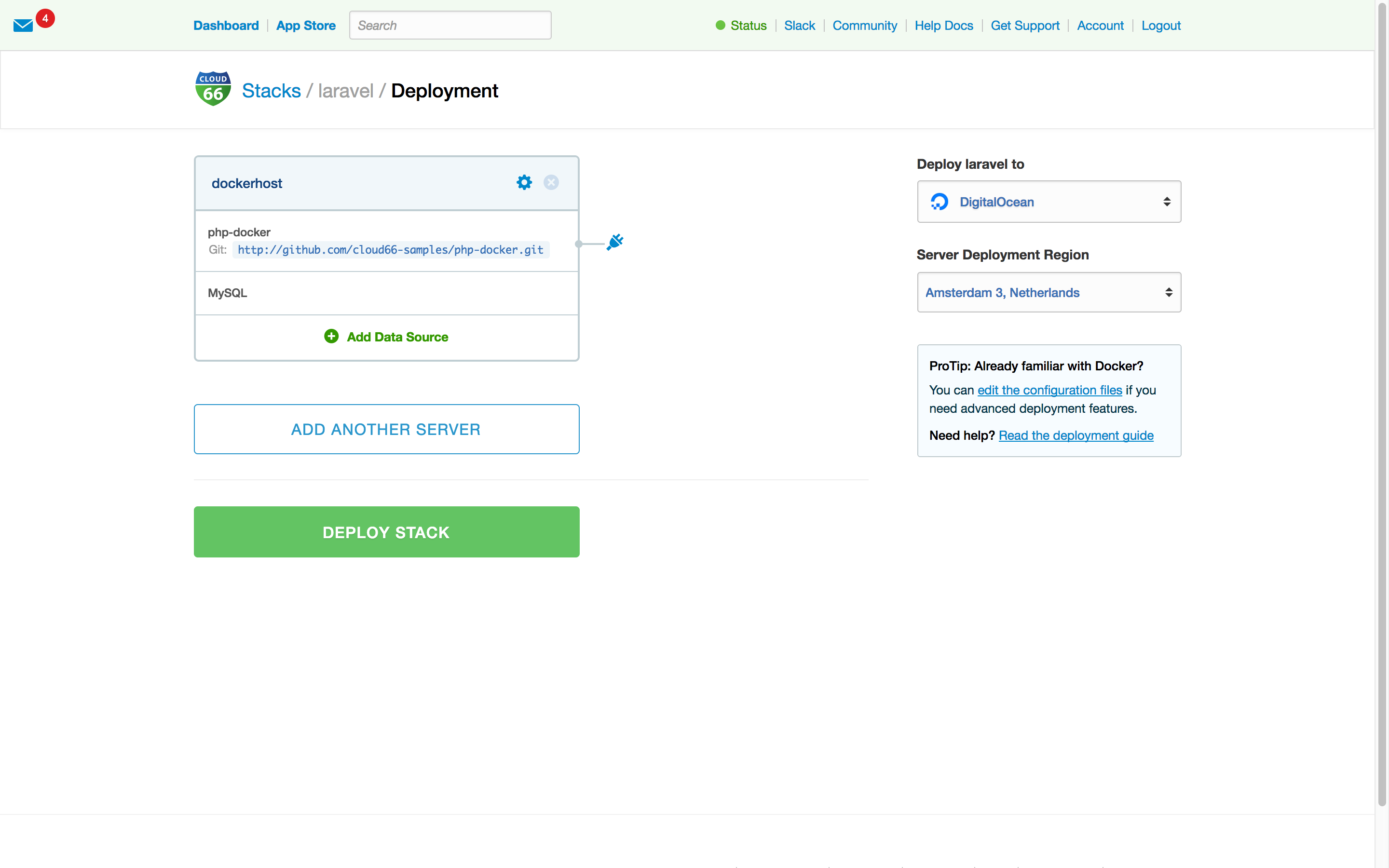
We support all mayor cloud providers or bring your own server. The servers are yours.
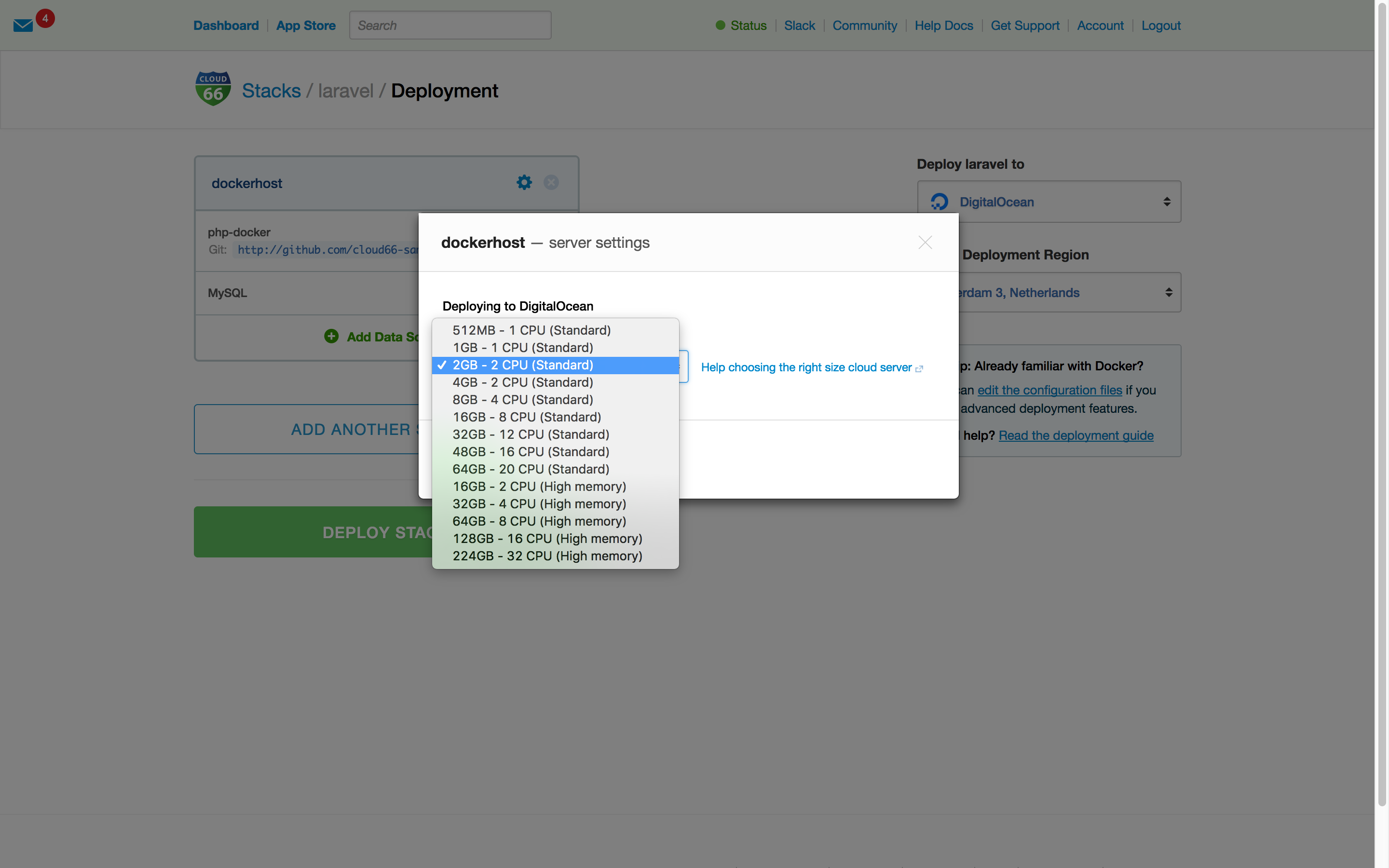
Depending on your workload, you can choice which server size you want to use.
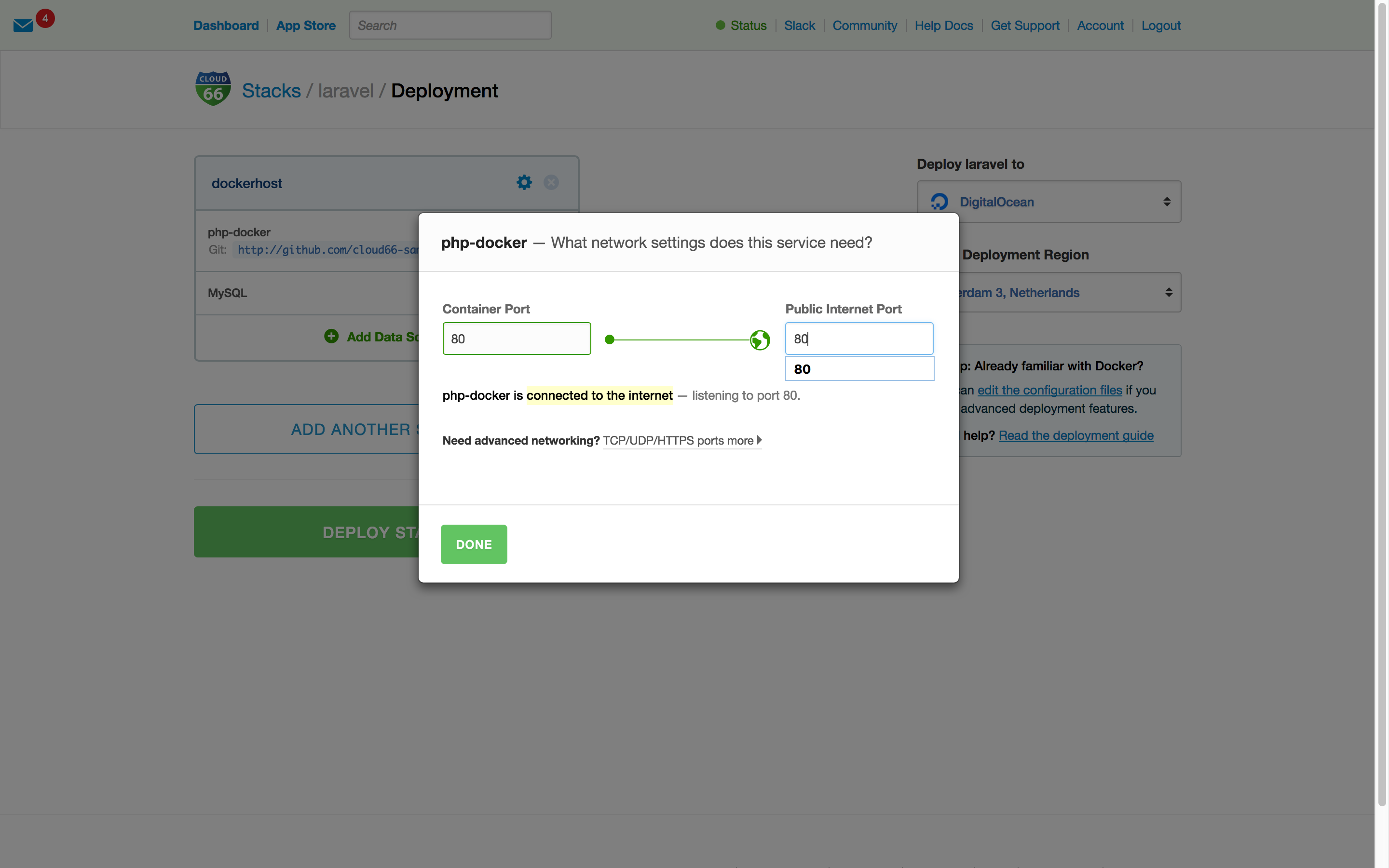
We need to expose our service to the internet and tell we map the container port to our public internet port.
We hit Deploy Stack and let Cloud 66 do all the heavy lifting provisioning all the servers and components. After a couple of minutes, your stack is ready!
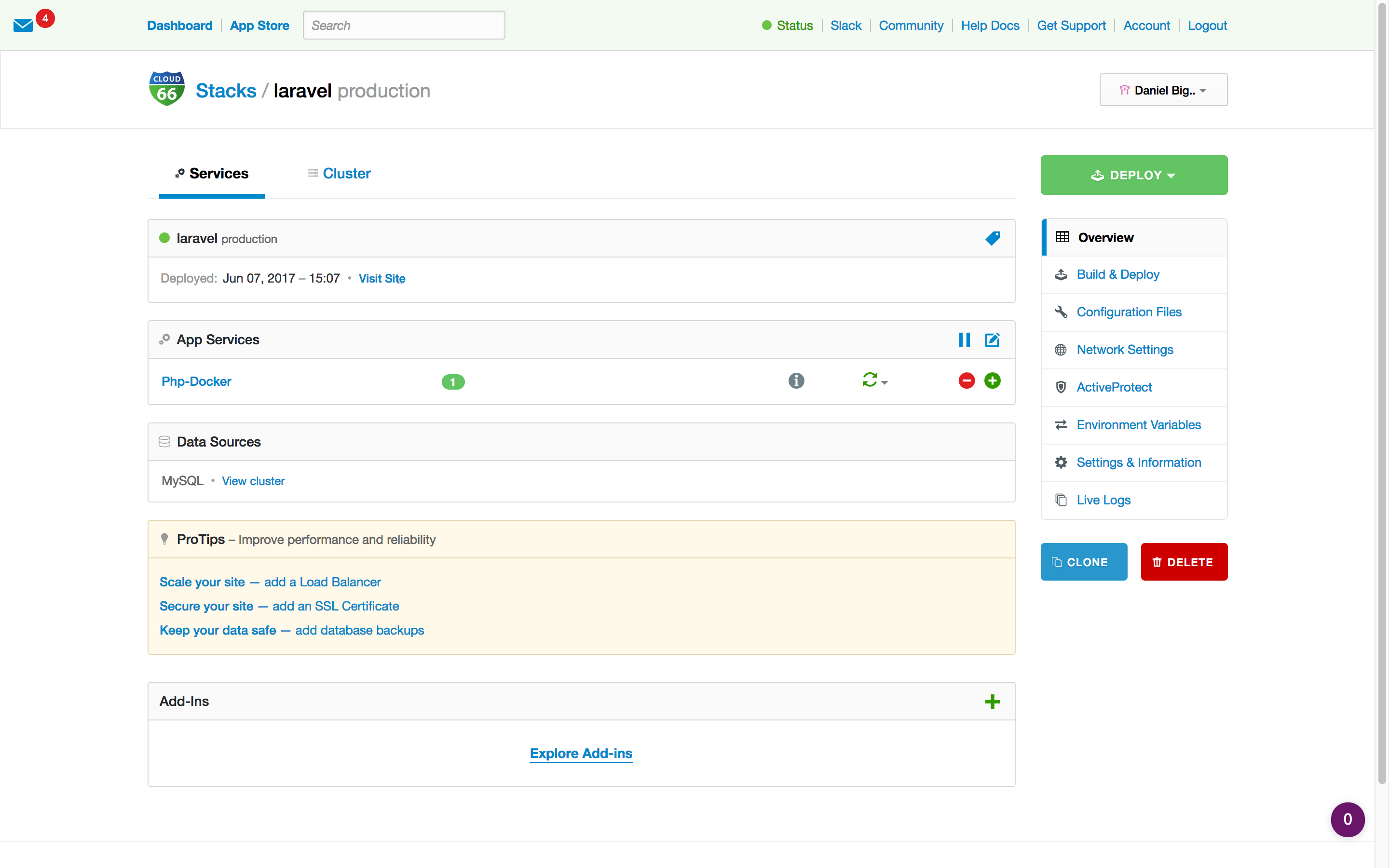
But what about the migrations and environment variables? We provide you with a feature to specify your environment variables and tell which deploy_command to run before starting the Laravel service.
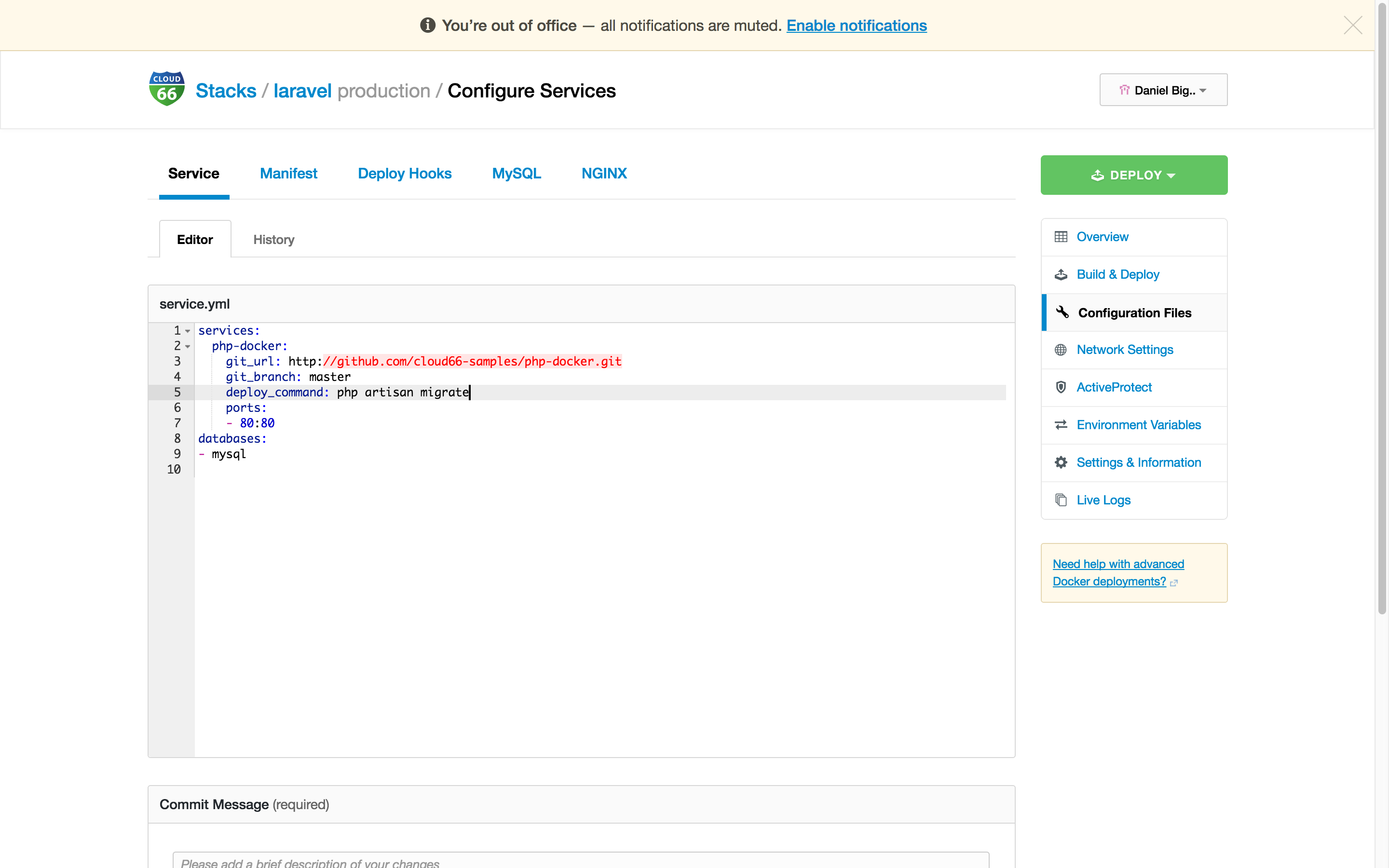
With the Configuration Files we can set our deploy_command in service.yml.
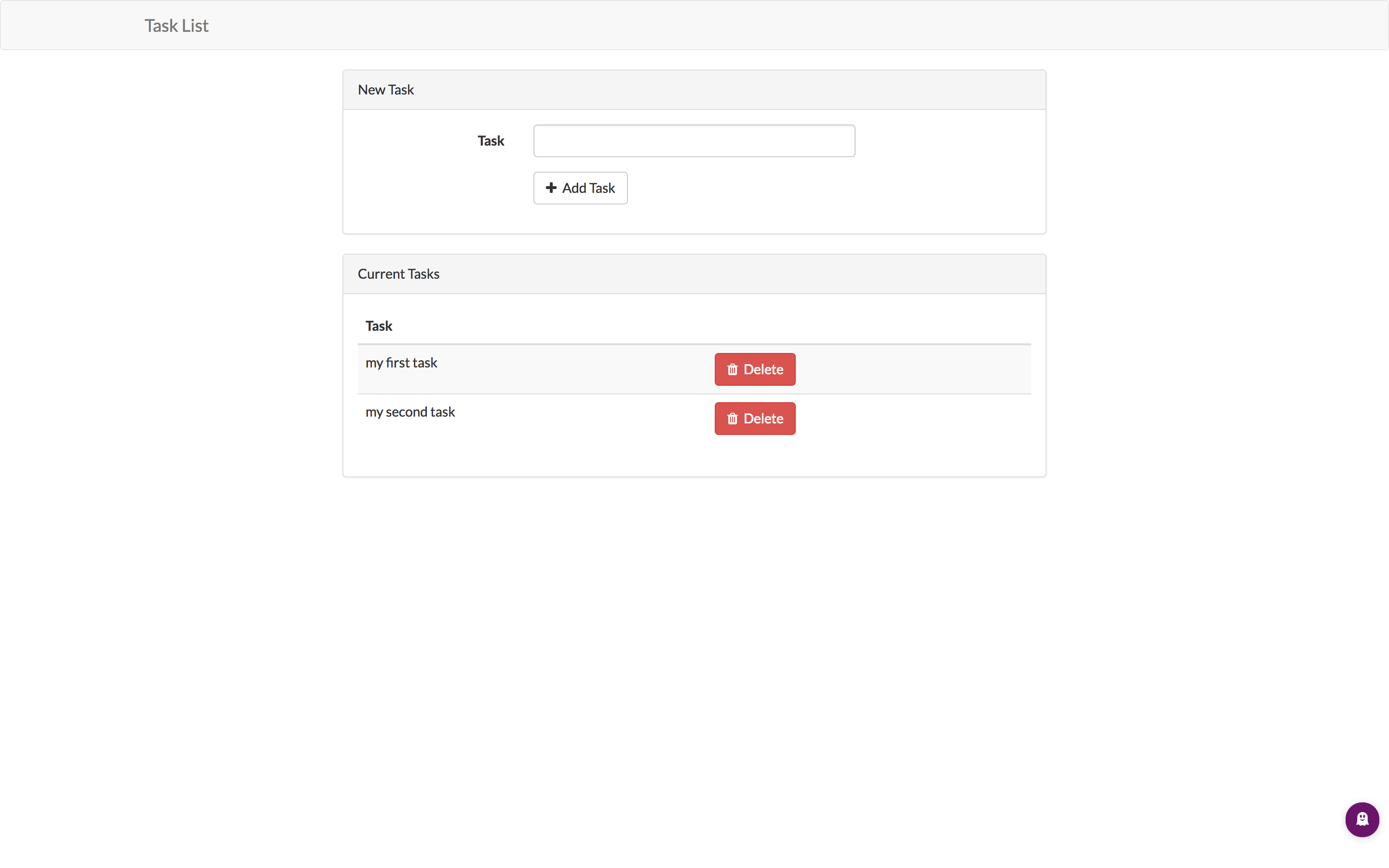
After a Redeploy we can hit the endpoint of our service (a simple todo app) and start adding tasks.
If you are ready to bring your PHP application into production, we provide you with all the tools to scale your service (more PHP instances for more concurrent connections) and scale-out your application and db cluser. With just a click of a button. Don't forget to add some SSL certificates. We also take care of this.
Summary
This was a quick overview how to deploy your Laravel or any other PHP application in production using Docker and Cloud 66. You can use the example Dockerfile and docker-compose.yml to start on your local machine first and move it to production, on any cloud, when you are ready.
If you want to know more about what our platform has to offer, check our feature here.
Happy PHP coding!